.png)
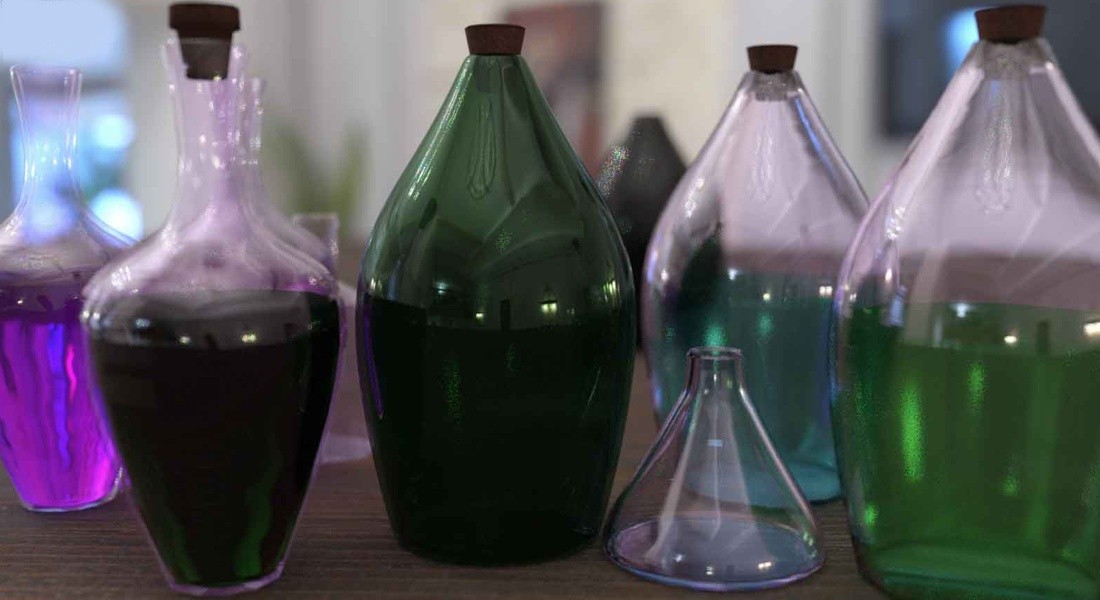
Physically Based Rendering (PBR) has become the industry standard for creating realistic, consistent, and efficient materials across modern 3D applications. In Poser, PBR brings a major leap forward in visual fidelity, allowing artists to produce natural‑looking surfaces that behave correctly under any lighting condition. By leveraging PBR texture maps and Poser’s Physical Surface node, you can achieve photorealistic results in the SuperFly engine with far less manual tweaking than traditional shader setups.
Whether you're upgrading older scenes or building new assets for Poser 14, understanding PBR will dramatically improve your workflow and final renders.
Whether you're upgrading older scenes or building new assets for Poser 14, understanding PBR will dramatically improve your workflow and final renders.
What Is PBR in Poser?
PBR (Physically Based Rendering) is a shading and rendering methodology that simulates how light interacts with real‑world materials. Instead of relying on handcrafted tricks or complex node networks, PBR uses standardized texture maps to describe surface behavior in a physically accurate way.
PBR in Poser 14
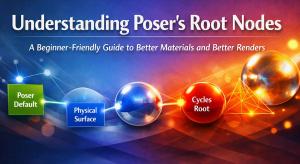
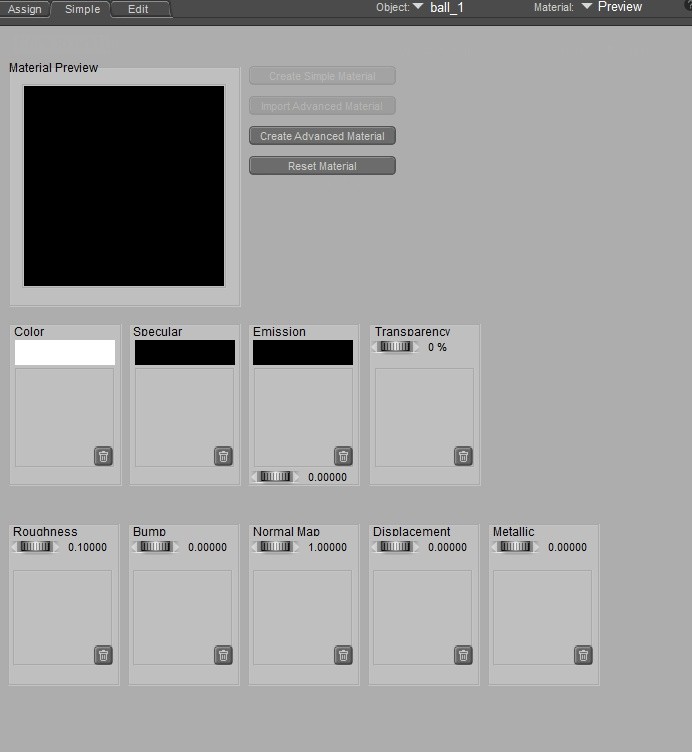
Poser versions 11-14 support PBR through the Physical Surface root node while Poser 14 consolidates all essential material inputs into a single, streamlined system with the Simple tab in the Material Room making it easy to use industry‑standard maps such as:
Base Color (Albedo) – the diffuse color of the material
Roughness – controls micro‑surface scattering and glossiness
Metallic – defines whether a surface behaves like metal or dielectric
Normal Map – adds fine surface detail without extra geometry
Height/Displacement (optional) – for deeper surface relief
Emission (optional) – for glowing materials
This unified approach makes it easy to import PBR materials from other platforms or texture libraries.
SuperFly vs. FireFly
FireFly, Poser’s legacy renderer, can approximate PBR‑like results but requires workarounds and manual tuning.
SuperFly, built on the Cycles engine, is designed for physically based workflows and interprets PBR maps accurately and consistently.
If your goal is realism, SuperFly is the renderer that fully unlocks PBR’s potential.
SuperFly’s physically based engine supports:
Accurate reflections and refractions
Realistic light scattering
True metallic behavior
Soft, natural shadows
Combined with PBR materials, SuperFly can produce cinematic‑quality renders that rival modern CGI workflows.
Why You Should Use PBR in Poser
Accurate reflections and refractions
Realistic light scattering
True metallic behavior
Soft, natural shadows
Combined with PBR materials, SuperFly can produce cinematic‑quality renders that rival modern CGI workflows.
Why You Should Use PBR in Poser
Realism
PBR materials react to light the way real materials do. Metals shine correctly, fabrics scatter light naturally, and surfaces maintain believable highlights and shadows. You get lifelike results without building complex shader networks.
A material that looks correct in a bright outdoor HDRI will also look correct in a dim interior scene. No more re‑tuning glossiness or specular settings every time you change the environment.
Efficiency and Speed
Poser 14 introduced a simplified PBR workflow that reduces setup time dramatically. Instead of connecting dozens of nodes, you plug your maps into the Physical Surface node and start rendering. This is especially valuable for artists working with large scenes or tight deadlines.
What About Legacy Projects
Older Poser scenes built with FireFly‑style materials may not automatically benefit from PBR. You may need to replace legacy shaders, add missing PBR images and convert specular/glossiness maps to roughness/metallic formats.
However, the effort is worth it — once updated, your assets will look dramatically better and behave consistently across scenes.
How to Get Started with PBR in Poser
With Poser 14’s streamlined material system, transitioning to PBR is easier than ever. Whether you're creating characters, props, or environments, PBR gives you the accuracy and efficiency needed to produce stunning, professional‑grade imagery.
Stay tuned for an upcoming step-by-step guide in setting up a simple PBR material in Poser 14!