.png)
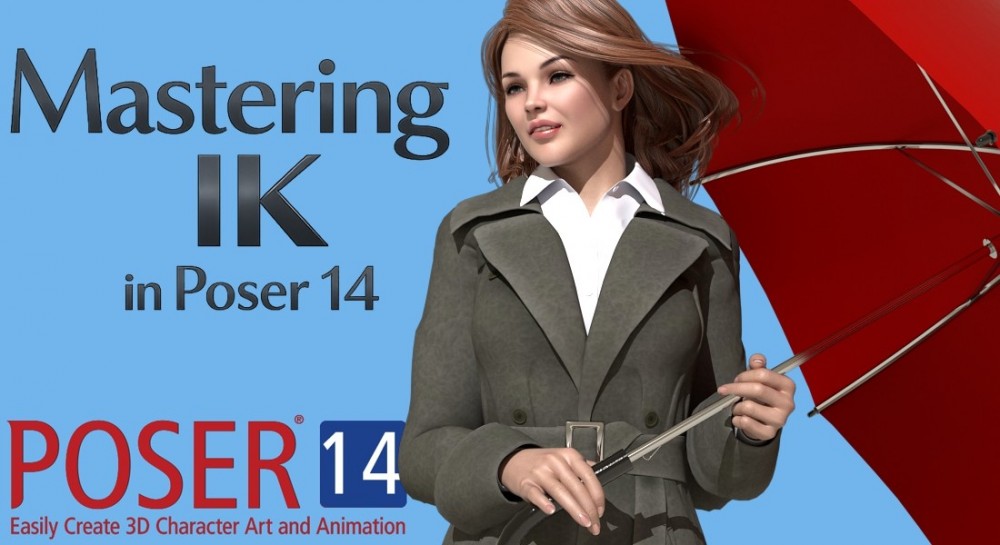
Posing has always been at the heart of Poser, and the name itself is a reminder of where the software began: as a dedicated tool for building and refining human poses. Long before it grew into the full 3D scene‑building environment it is today, Poser started as a digital mannequin—something artists could bend, twist, and study just like a physical figure on their desk. That foundation still shapes the experience in Poser 14. Every tool, every control, every refinement is ultimately there to help you create believable, expressive poses with less struggle and more flow. And as the software has evolved, so have the tools that support that original mission, including features like Inverse Kinematics that make posing feel more intuitive, grounded, and true to life.
Inverse Kinematics, or IK, is a posing system that keeps the limb anchored where you place it, which makes it much easier to create grounded, realistic poses. It’s especially helpful for still images where characters need to look like they’re actually touching the floor, gripping a ledge, sitting with proper weight, or bracing against something. IK isn’t strictly “required,” but it removes a lot of the guesswork and manual tweaking, giving you a faster, more intuitive way to build poses that feel connected, balanced, and real.
In the next parts of this series, we’ll take a closer look at real examples of IK in action such as how it shapes sitting poses, running strides, climbing positions, grounded hand placement, and all the subtle details that make a still image feel truly lived‑in. Seeing IK applied step‑by‑step will help you understand not just what it does, but how to use it to make your own poses look more believable and your characters connected to the world around them. So stick around as we explore this invaluable Poser tool.